
Funko Pop tracker app for your whole collection
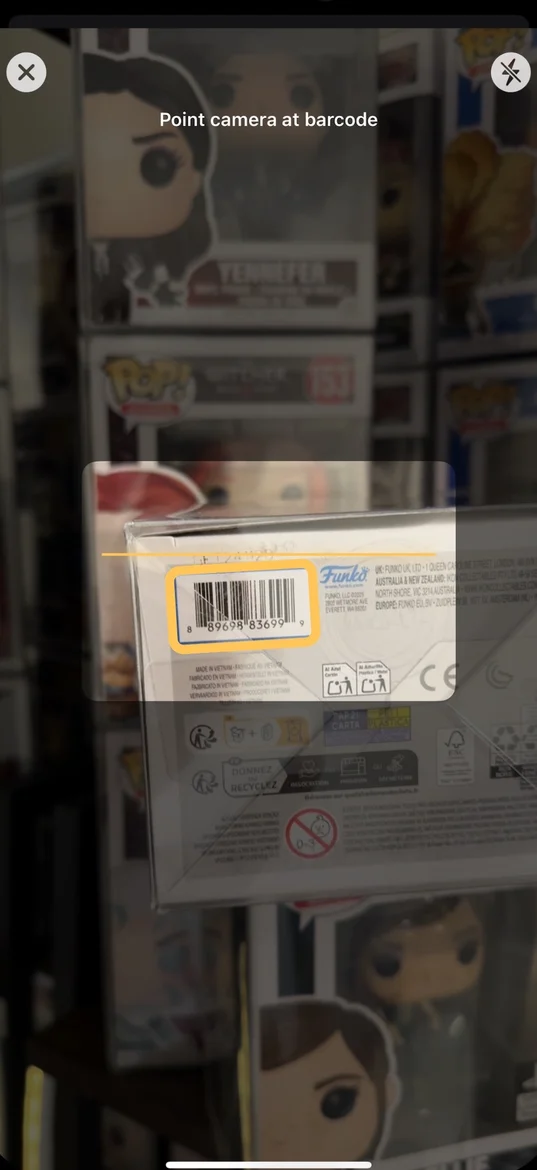
Track the Funko Pops you own and the ones you’re hunting for. Scan a box barcode, search by name, or use photo lookup. Organize LEGO sets, trading cards, and custom collectibles in the same app on iOS and Android.


FunKollector app preview
See how to scan and add collectibles to your collection.
See how to scan and add collectibles to your collection.
What you can track
Funko Pops
Use the Funko Pop collection manager to log your figures and keep a watchlist for the ones you want.
LEGO sets
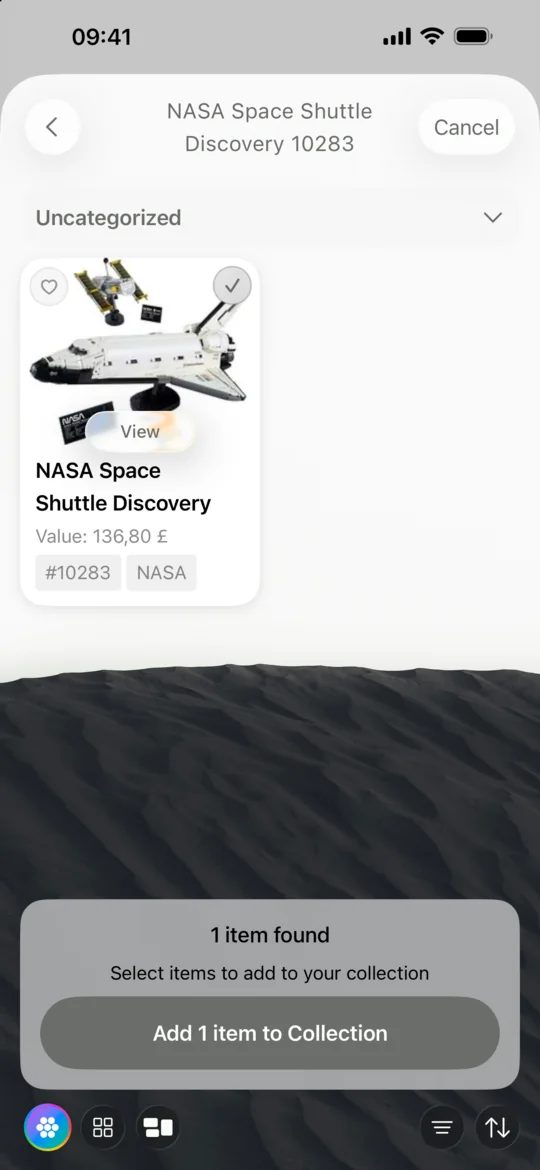
Look up sets by name or set number and keep them in your collection.
Trading cards (TCG)
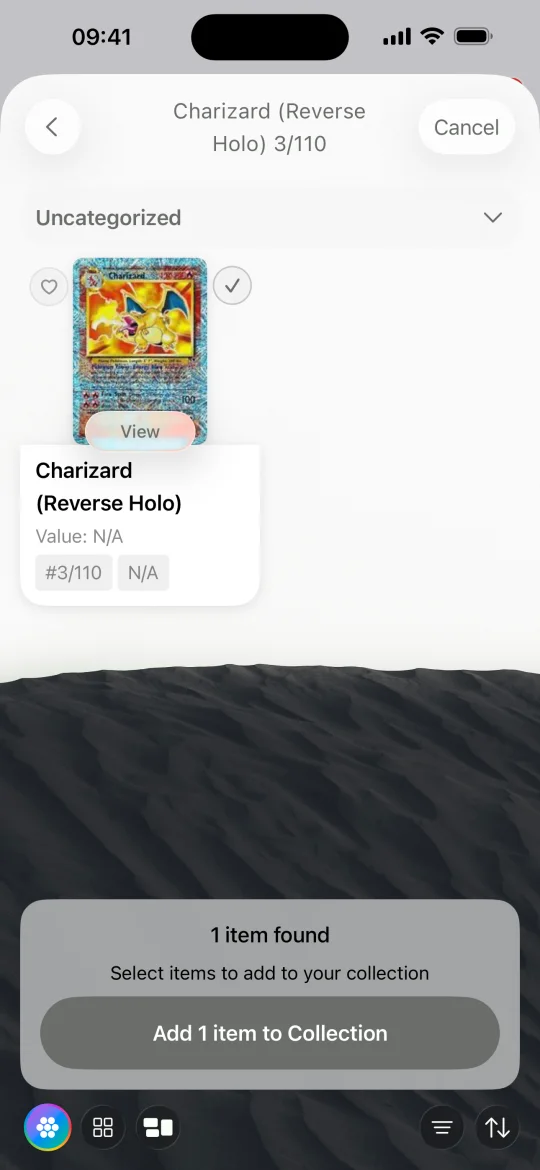
Catalog supported trading cards alongside your other collectibles.
Custom collectibles
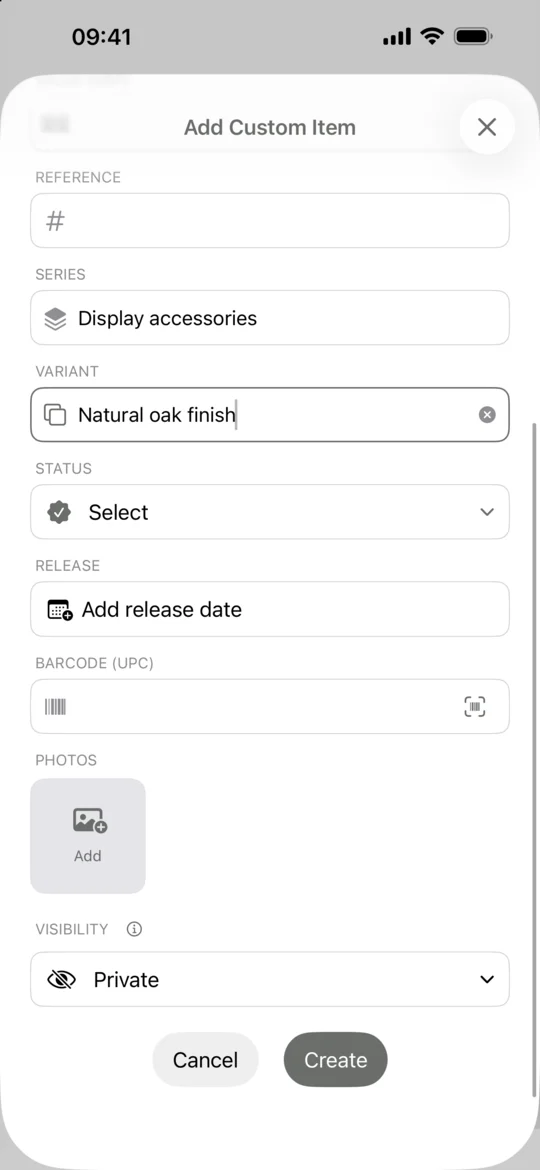
Add items with your own names, photos, and details.
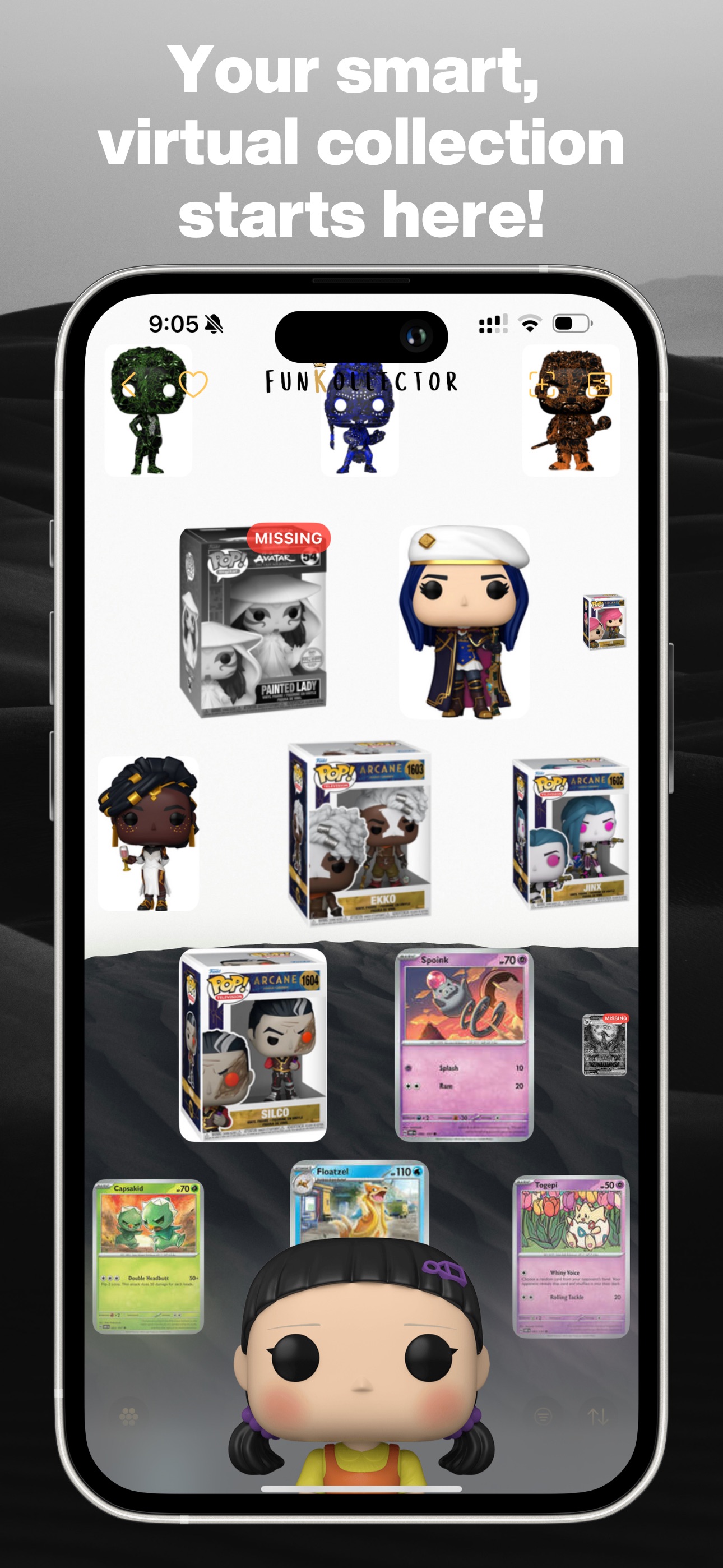
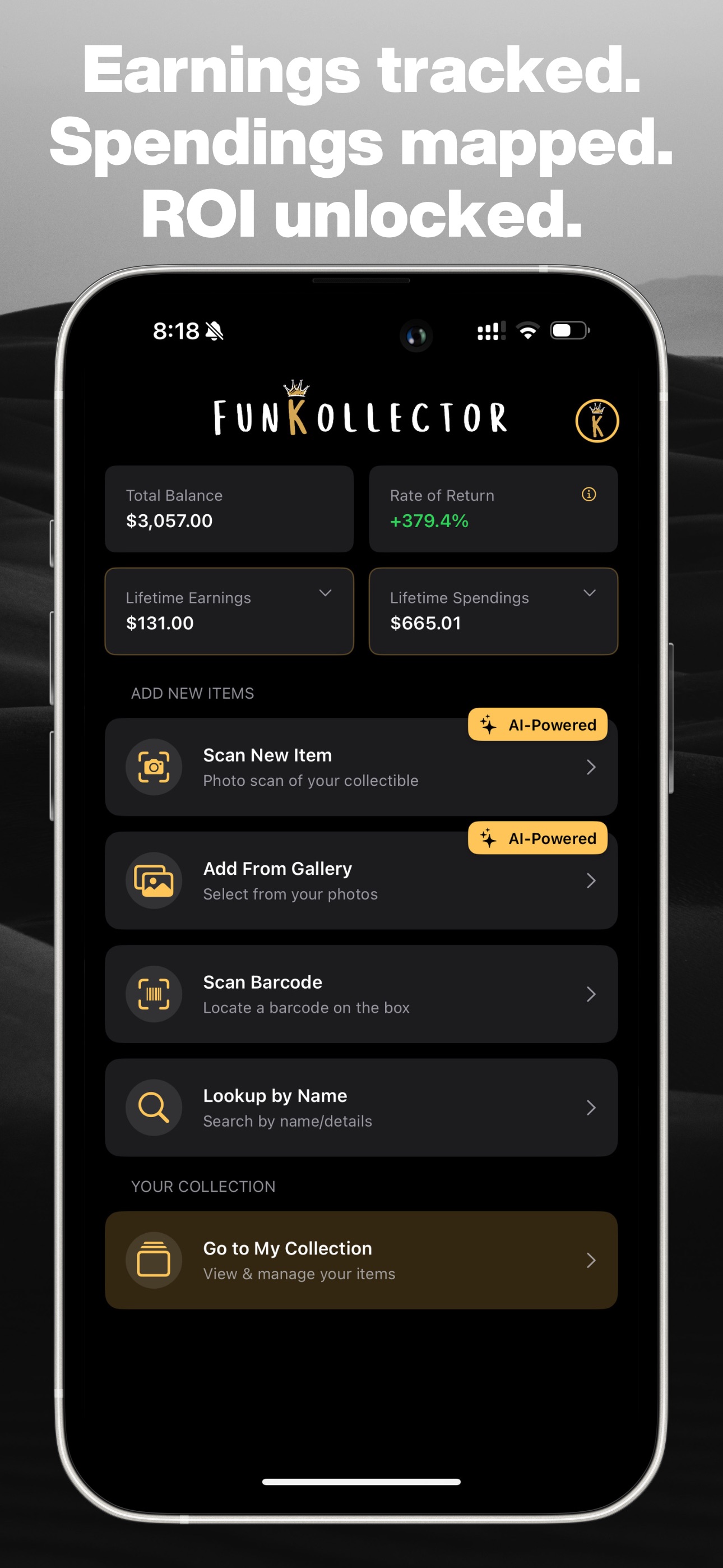
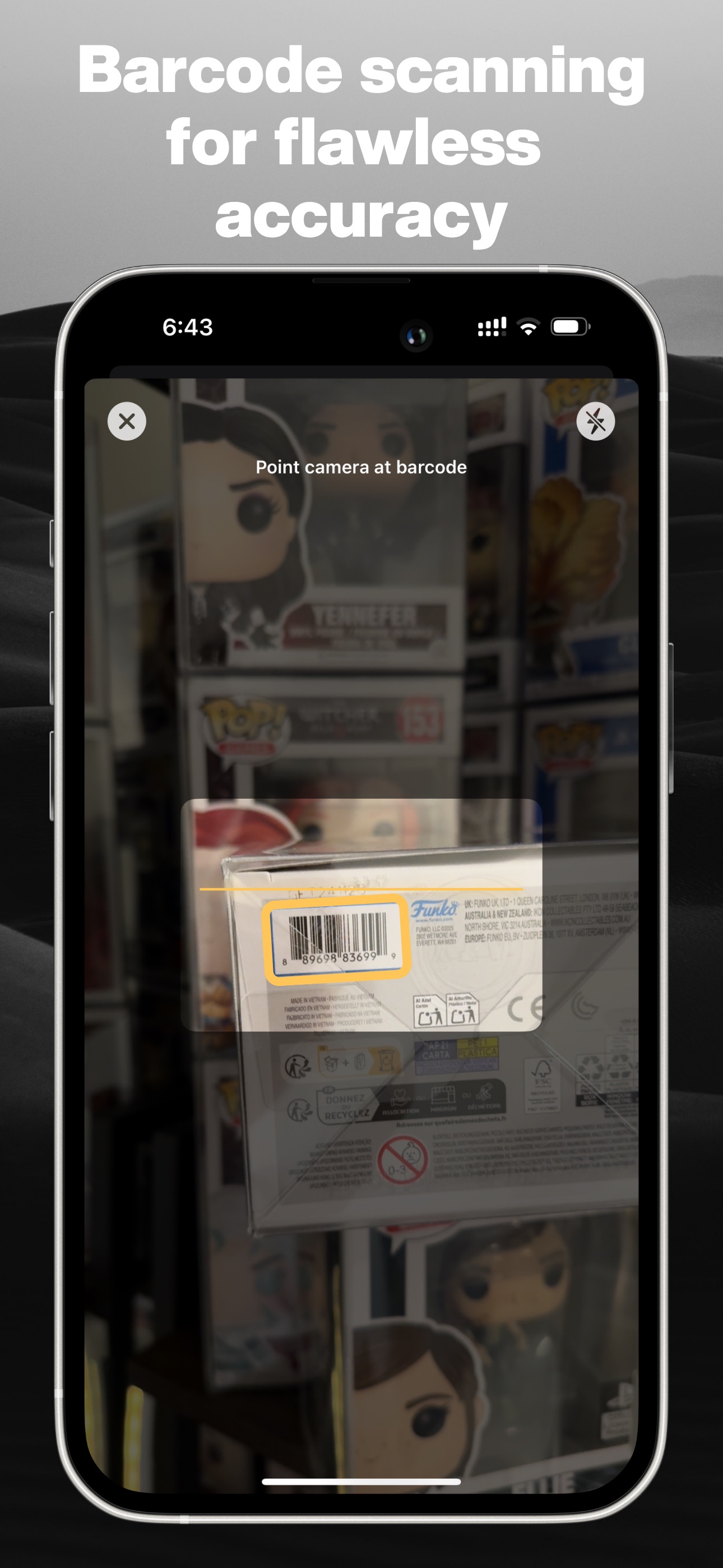
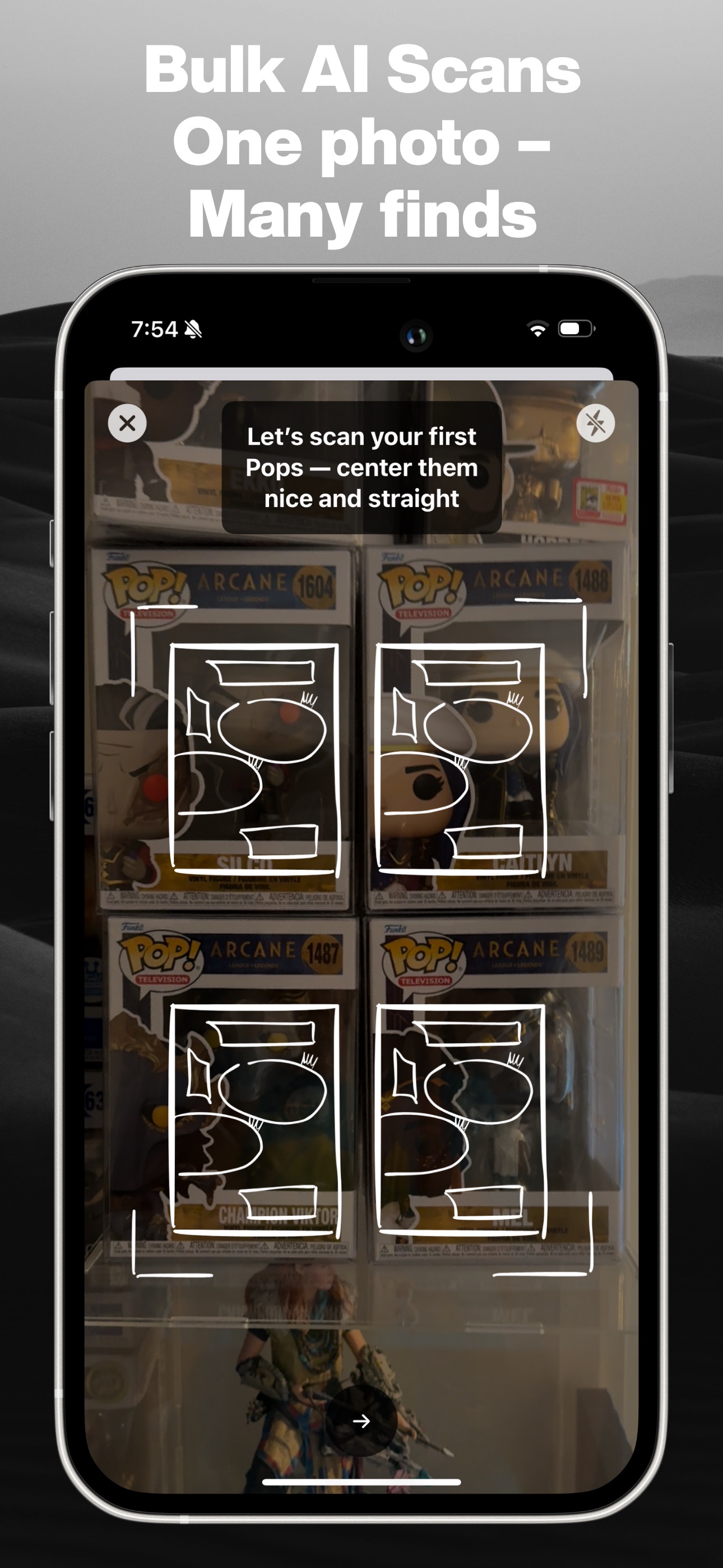
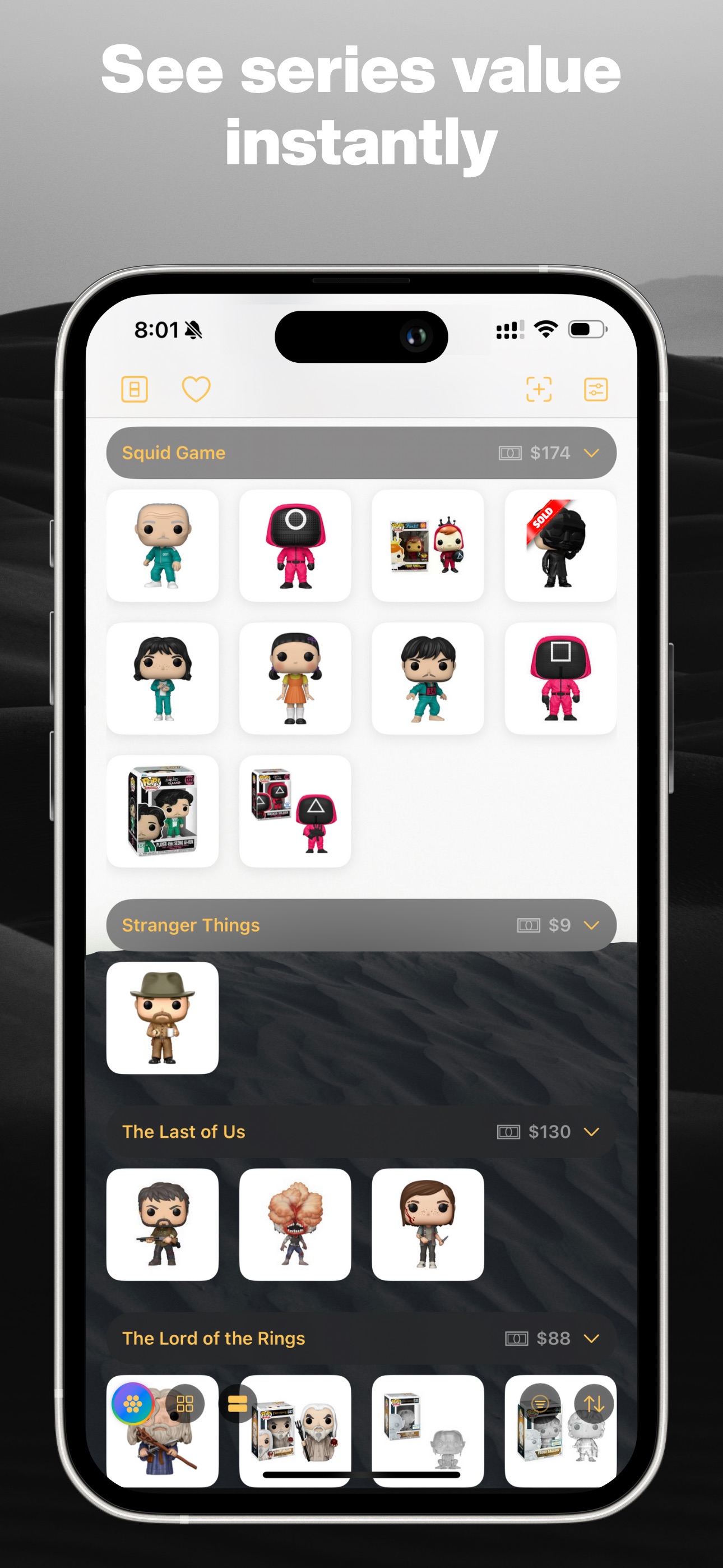
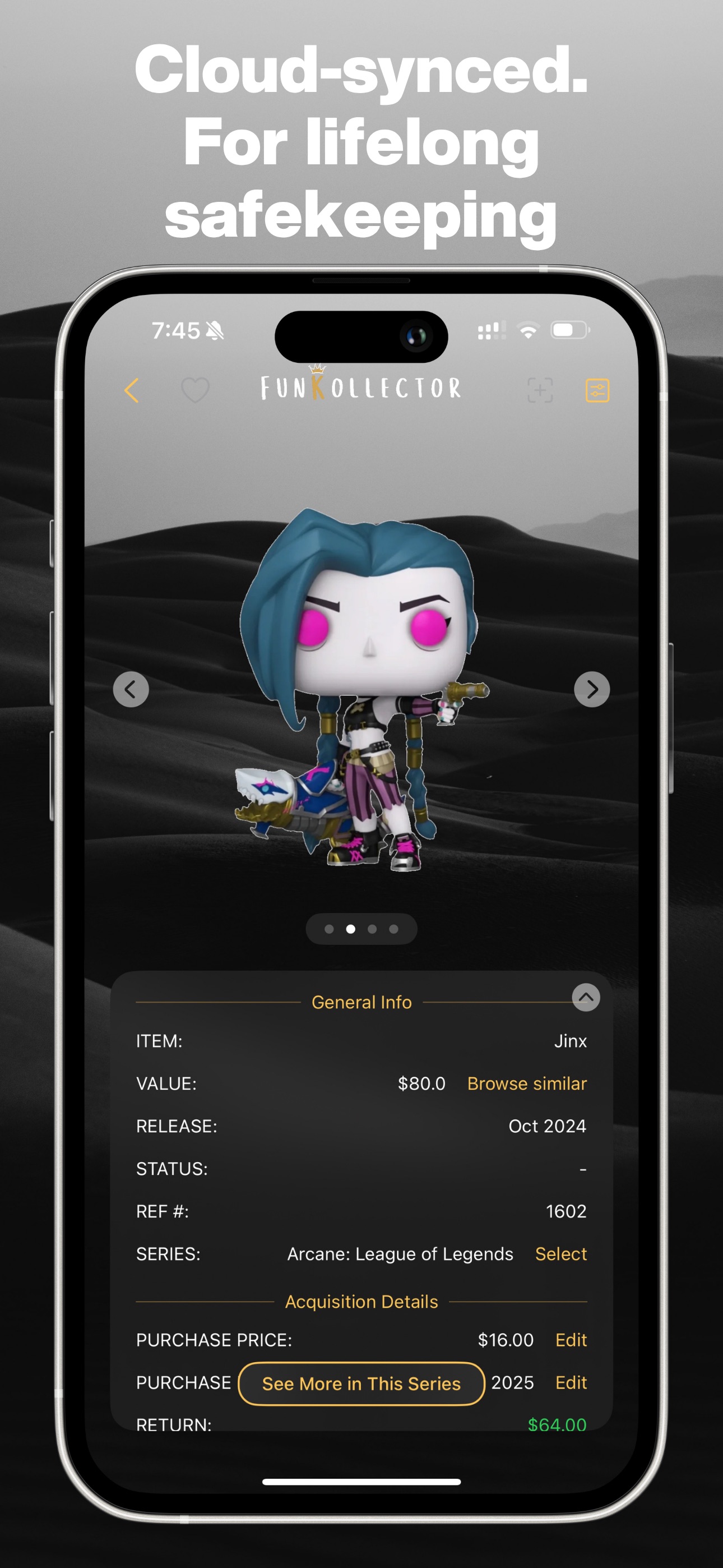
See FunKollector in action
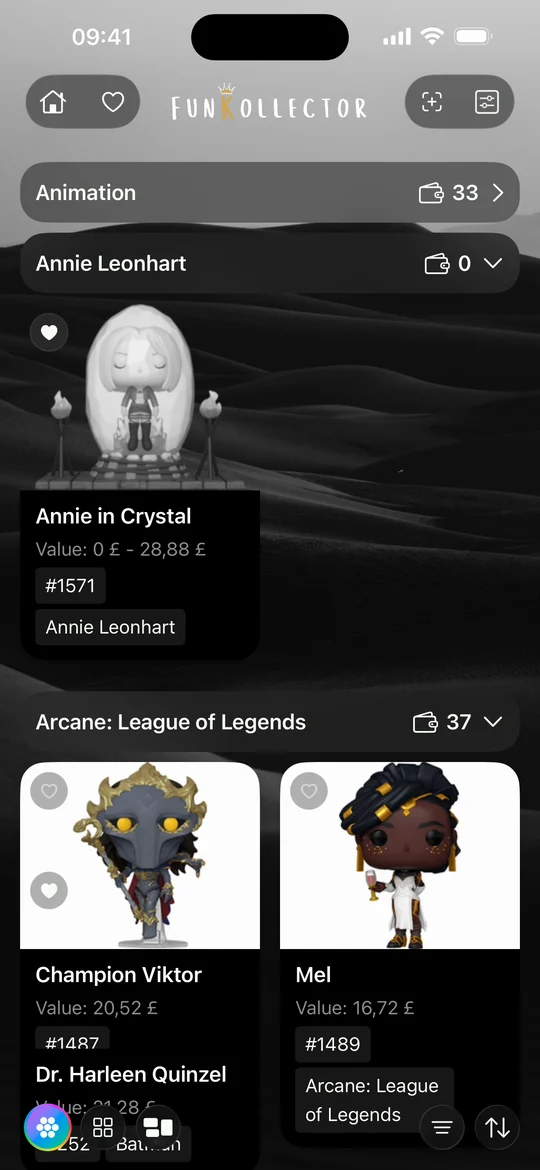
Browse the app screens for scanning, organizing, and viewing your collection.
FunKollector collection guides
Learn how to add Funko Pops, LEGO sets, trading cards, and custom items to your collection.
- How to track your Funko Pop collection Build a Funko Pop inventory in FunKollector, find the right variants, organize your figures into shelves, and keep a wishlist of Pops you want.
- How to scan a Funko Pop barcode Scan the barcode on a Funko Pop box, check the result against your figure, and use catalog search or a custom entry when a scan cannot find it.
- How to add custom collectibles Add an uncatalogued collectible to FunKollector with your own name, category, details, and photos. Choose who can see the entry before you save.
- How to track your LEGO collection Use FunKollector to record your LEGO sets, verify set numbers, create shelves by theme or display, and add unlisted builds as custom items.
- How to track your trading card collection Catalog trading cards in FunKollector, check the set and collector number, and use shelves to organize cards by game, deck, or binder.
Get FunKollector