FunKollector collection guides
Learn how to add Funko Pops, LEGO sets, trading cards, and custom items to your collection.
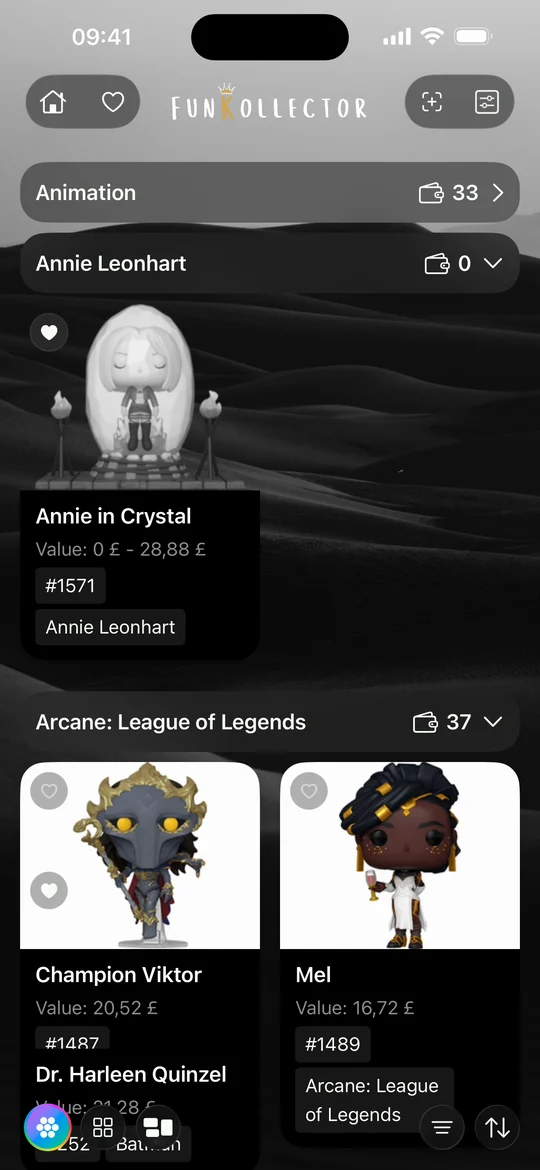
- How to track your Funko Pop collection Build a Funko Pop inventory in FunKollector, find the right variants, organize your figures into shelves, and keep a wishlist of Pops you want.
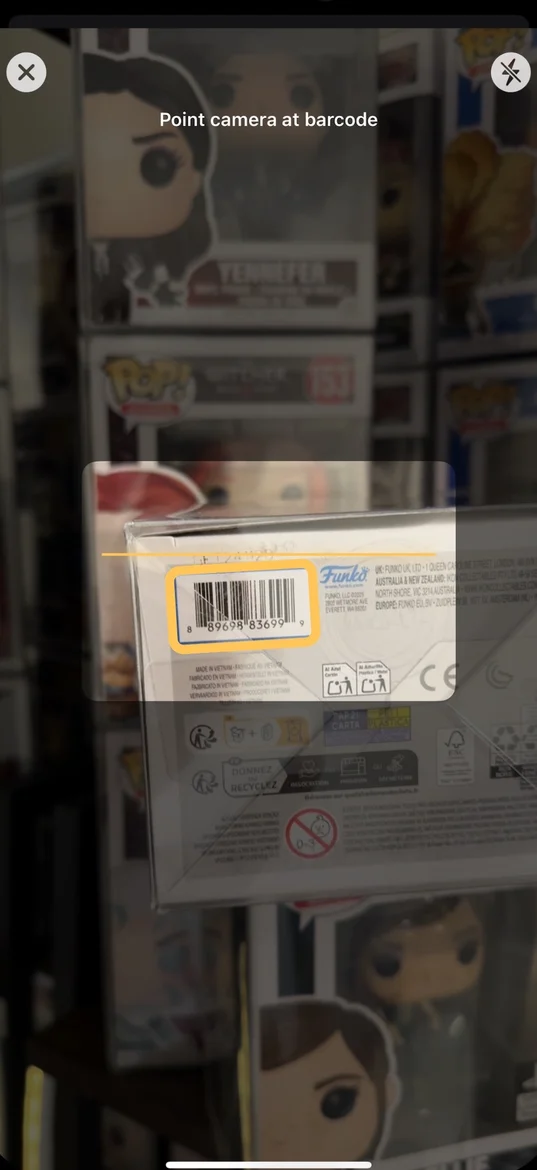
- How to scan a Funko Pop barcode Scan the barcode on a Funko Pop box, check the result against your figure, and use catalog search or a custom entry when a scan cannot find it.
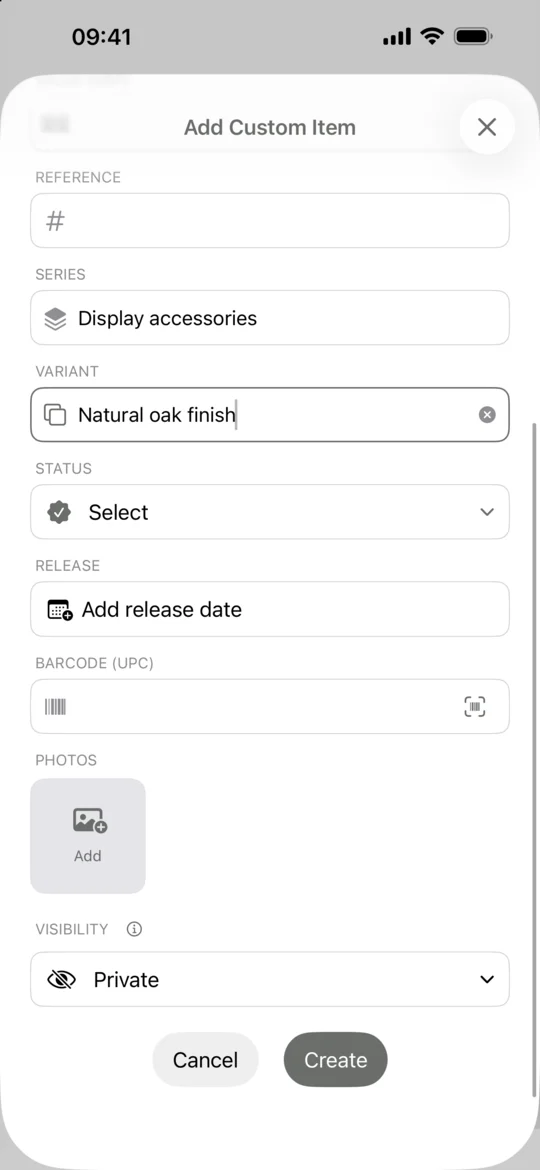
- How to add custom collectibles Add an uncatalogued collectible to FunKollector with your own name, category, details, and photos. Choose who can see the entry before you save.
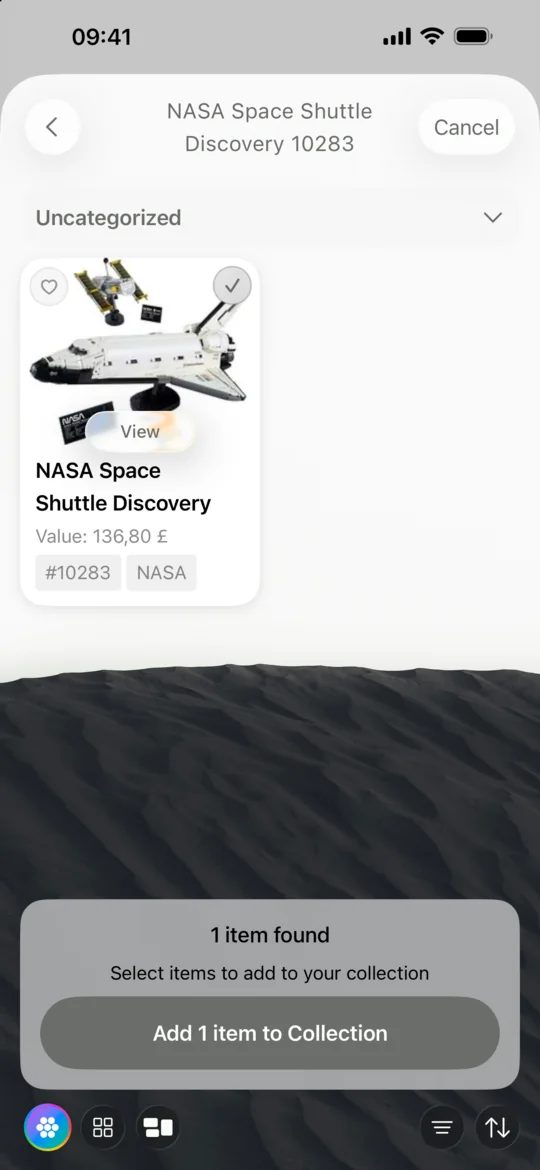
- How to track your LEGO collection Use FunKollector to record your LEGO sets, verify set numbers, create shelves by theme or display, and add unlisted builds as custom items.
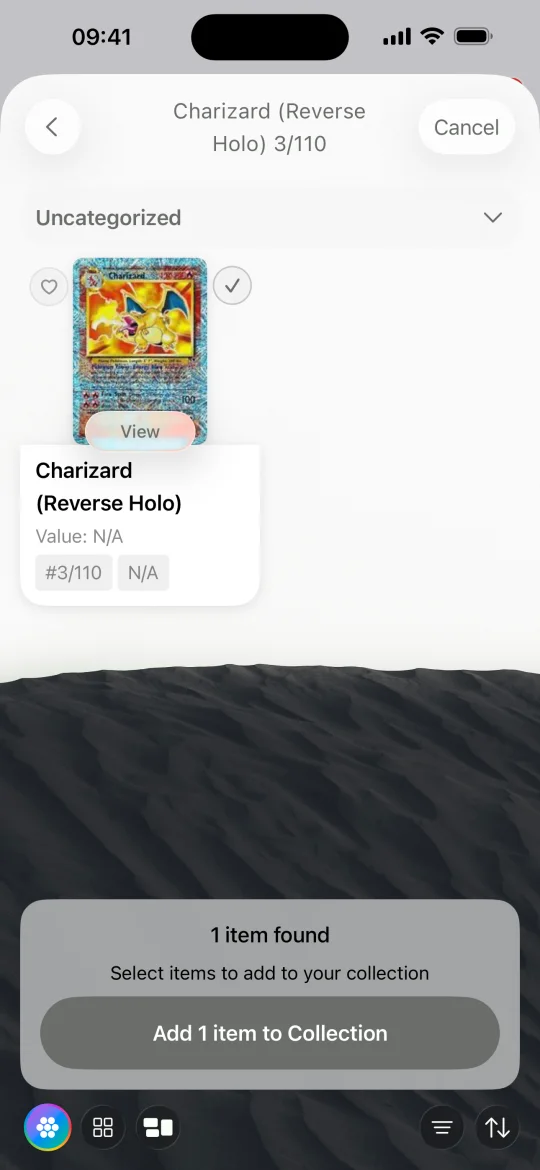
- How to track your trading card collection Catalog trading cards in FunKollector, check the set and collector number, and use shelves to organize cards by game, deck, or binder.