-
Choose LEGO in catalog search
Open Search and select LEGO as the item type. Start with the set name and add the set number from the box or instructions as the reference. If the search is too narrow, try the name or theme with fewer fields.
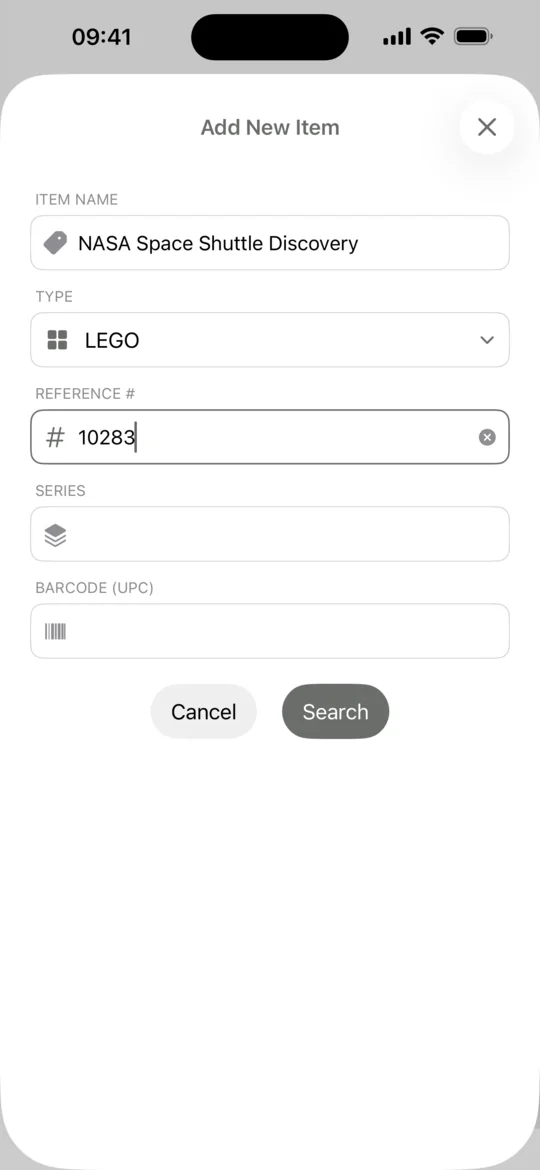
Catalog search form with LEGO selected -
Confirm the set number
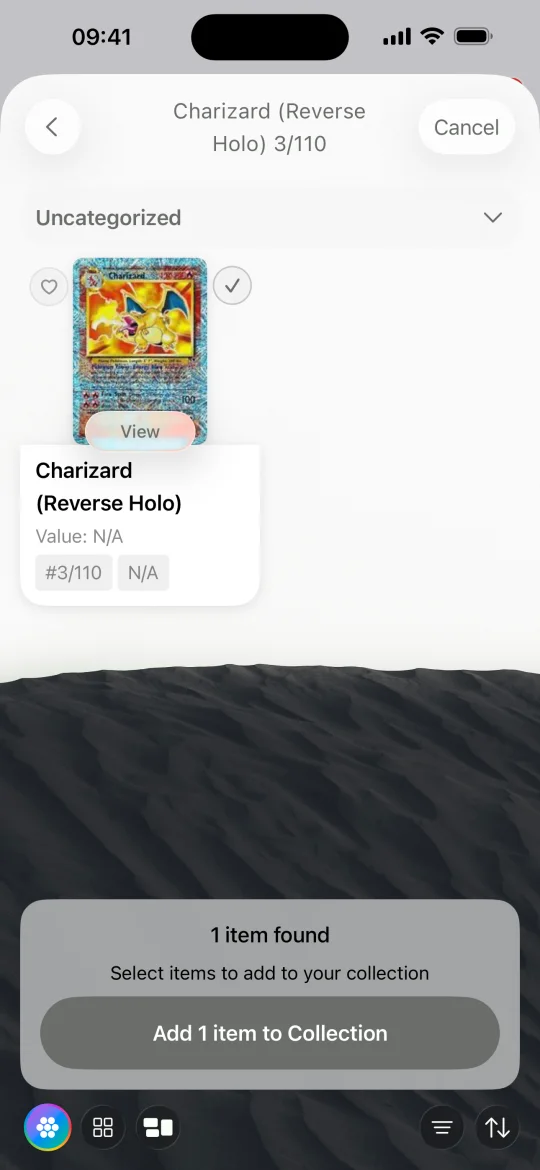
Compare the candidate's set number, name, and image with your set. This helps when a familiar vehicle or building has several releases. Select the matching entry and tap Add.
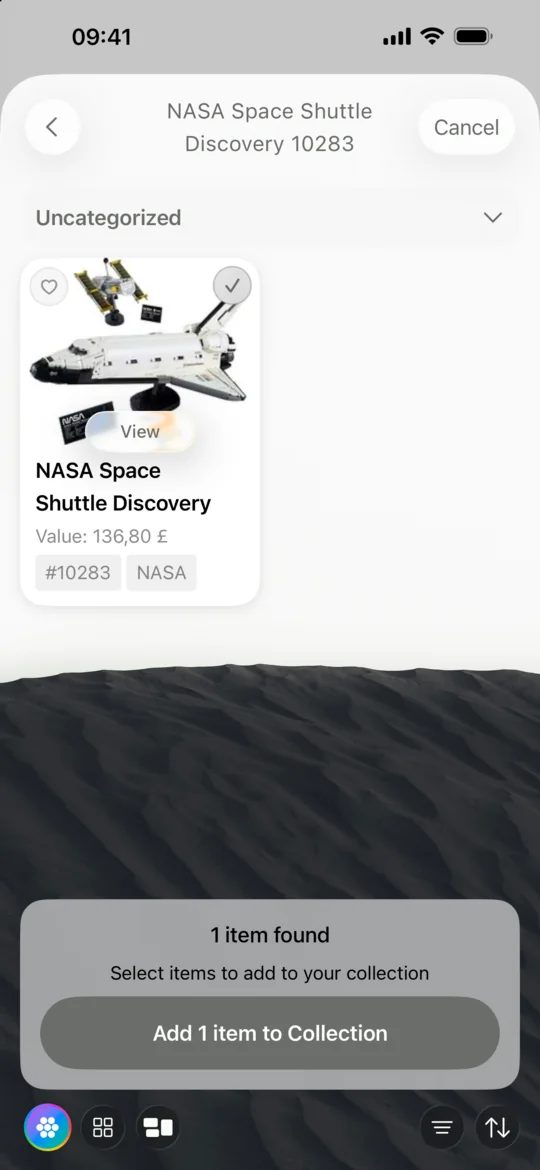
Selected NASA Space Shuttle Discovery result showing LEGO set number 10283 -
Group your sets so you can find them again
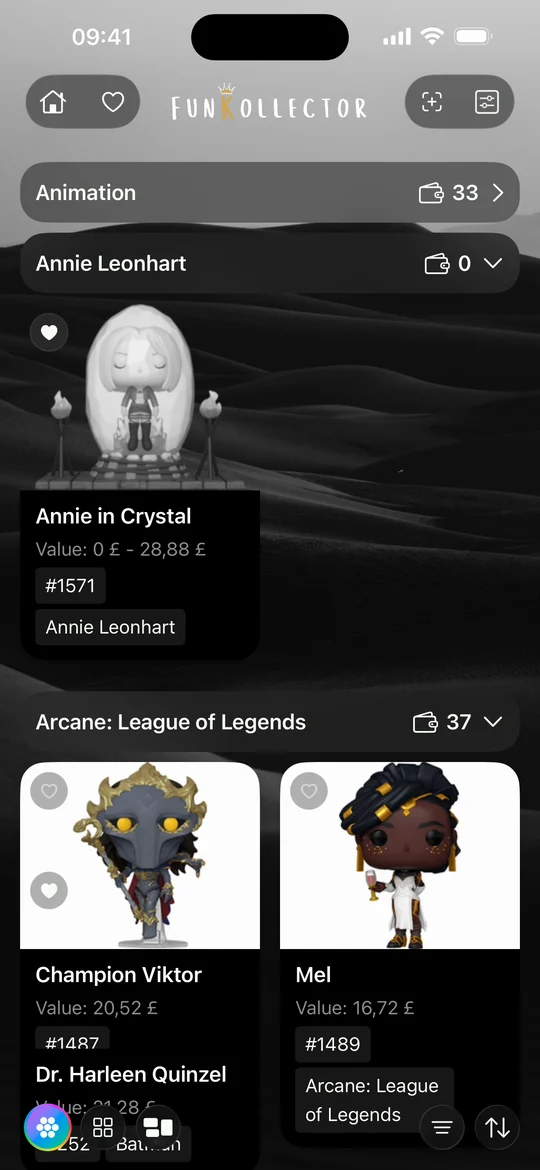
In My Collection, filter by LEGO to see your sets. Use shelves to group them by theme or by where they are displayed or stored. You can keep your sets in the same collection as figures and cards.
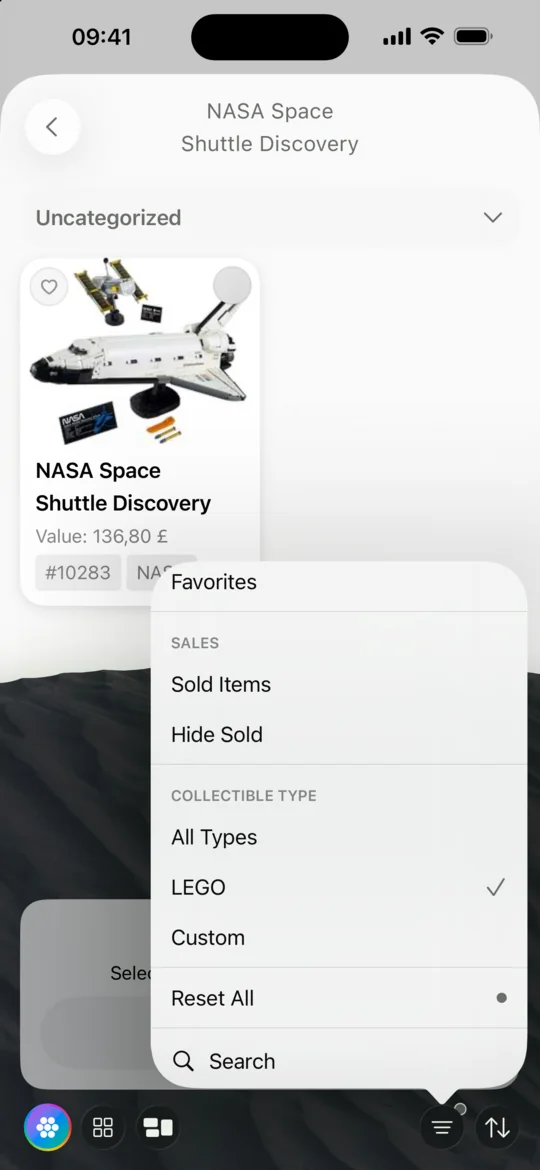
Gallery filter menu with LEGO selected -
Record builds that are missing from the catalog
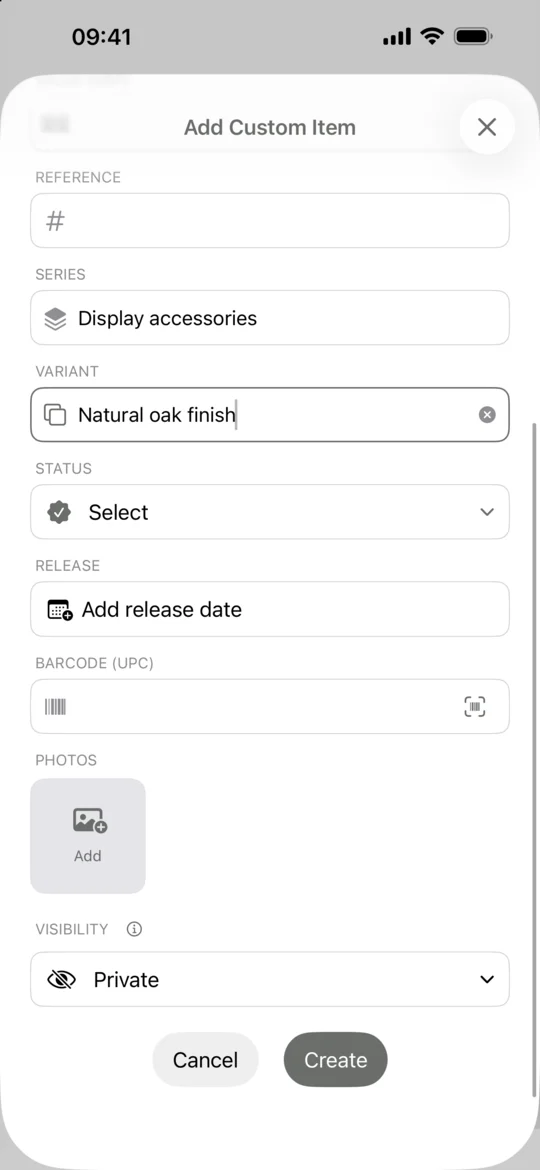
Use Custom for an original build or a piece you cannot find. Give it a recognizable name, add a photo, and use the series or category fields to record how it fits into your collection.
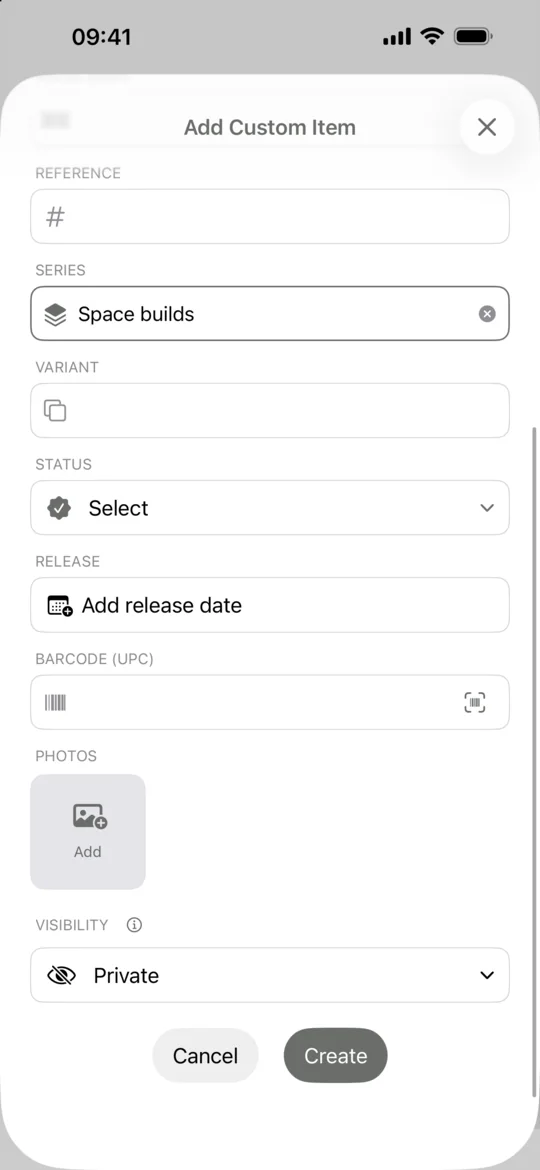
Custom item form with Space builds in the Series field and a control to add photos
Common questions
Can I track LEGO minifigures alongside my sets?
Search for the minifigure first. If you cannot find the exact one, save it as a custom collectible with its own name and photo.
Can I keep a wishlist of LEGO sets?
Use the heart on a catalog result to save it to Favorites. Add the set to your collection once you own it.
Related guides
- How to track your Funko Pop collection Build a Funko Pop inventory in FunKollector, find the right variants, organize your figures into shelves, and keep a wishlist of Pops you want.
- How to scan a Funko Pop barcode Scan the barcode on a Funko Pop box, check the result against your figure, and use catalog search or a custom entry when a scan cannot find it.
- How to add custom collectibles Add an uncatalogued collectible to FunKollector with your own name, category, details, and photos. Choose who can see the entry before you save.
- How to track your trading card collection Catalog trading cards in FunKollector, check the set and collector number, and use shelves to organize cards by game, deck, or binder.